Guides Staking
Beginner's Staking Guide
Aidan Schultz-Meyer
November 12, 2025
4 min read
Staking your SOL helps secure the Solana network and earns you rewards. Here's the easiest way to start staking with Valigator.
1. Get a Wallet#
You'll need a Solana wallet. The most popular options are:
- Phantom (browser extension + mobile)
- Solflare (browser extension + mobile)
Download and set up your wallet. Make sure to safely store your recovery phrase.
2. Add SOL to Your Wallet#
- Buy SOL on an exchange (like Coinbase, Kraken, Binance).
- Copy your wallet address from Phantom/Solflare.
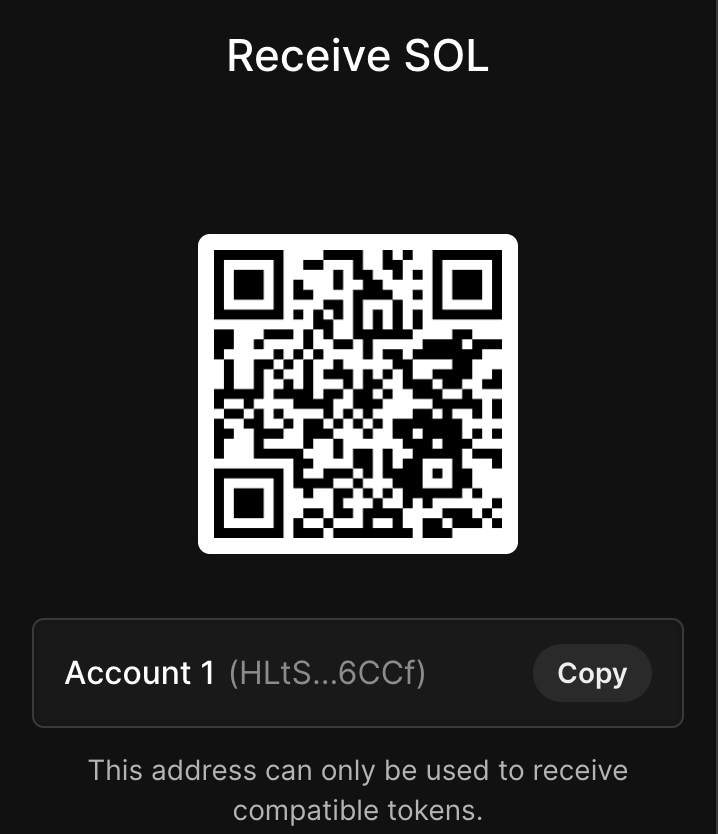
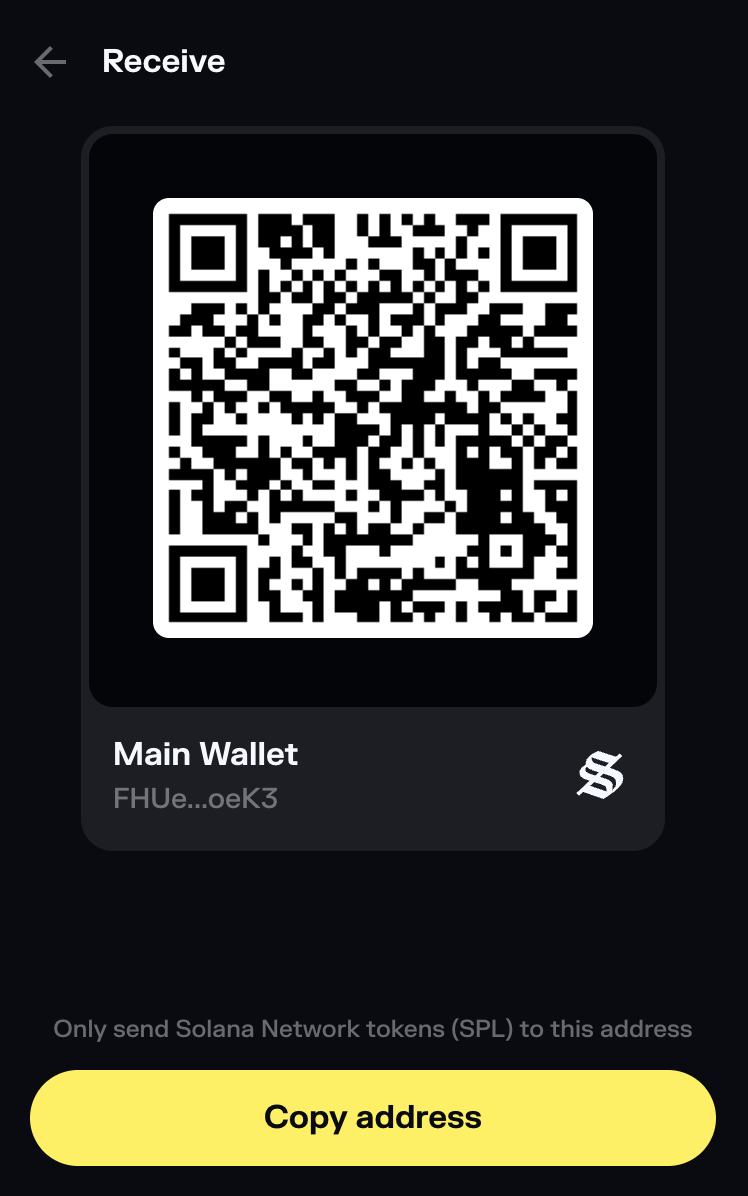
- Withdraw from the exchange to that address.
3. Stake with Valigator#
Looking for directions for your specific wallet? Jump to that section here:
- Using Phantom (browser extension)
- Using Phantom (mobile app)
- Using Solflare (browser extension)
- Using Solflare (mobile app)
Using Phantom (browser extension)#
- Open the Phantom extension and click on the Solana token (SOL).
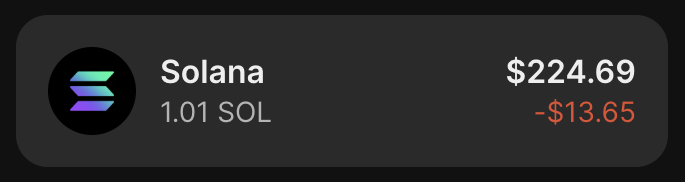
- Next, click on the "More" button to see more options.
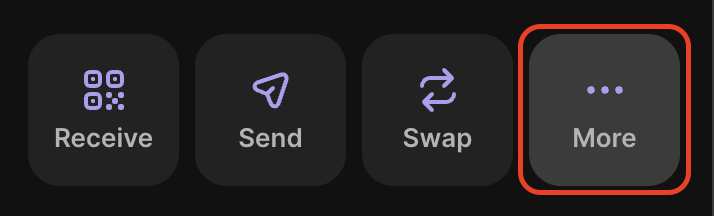
- Click on Stake SOL.
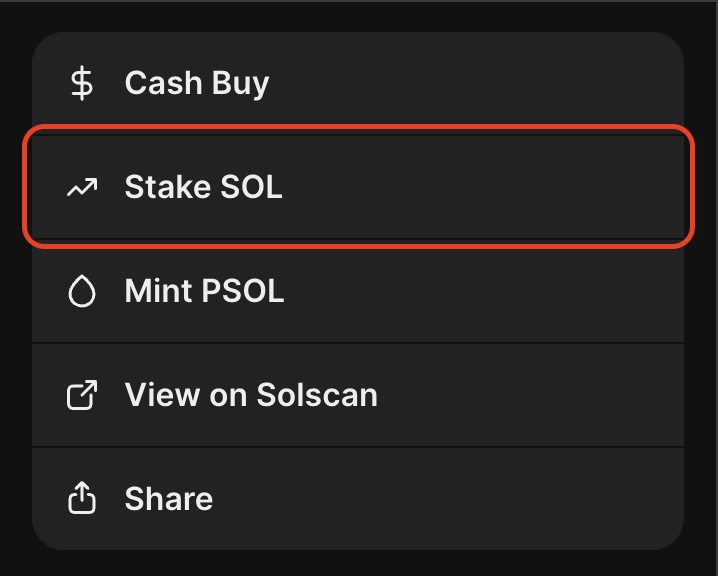
- Click on "Native Staking"
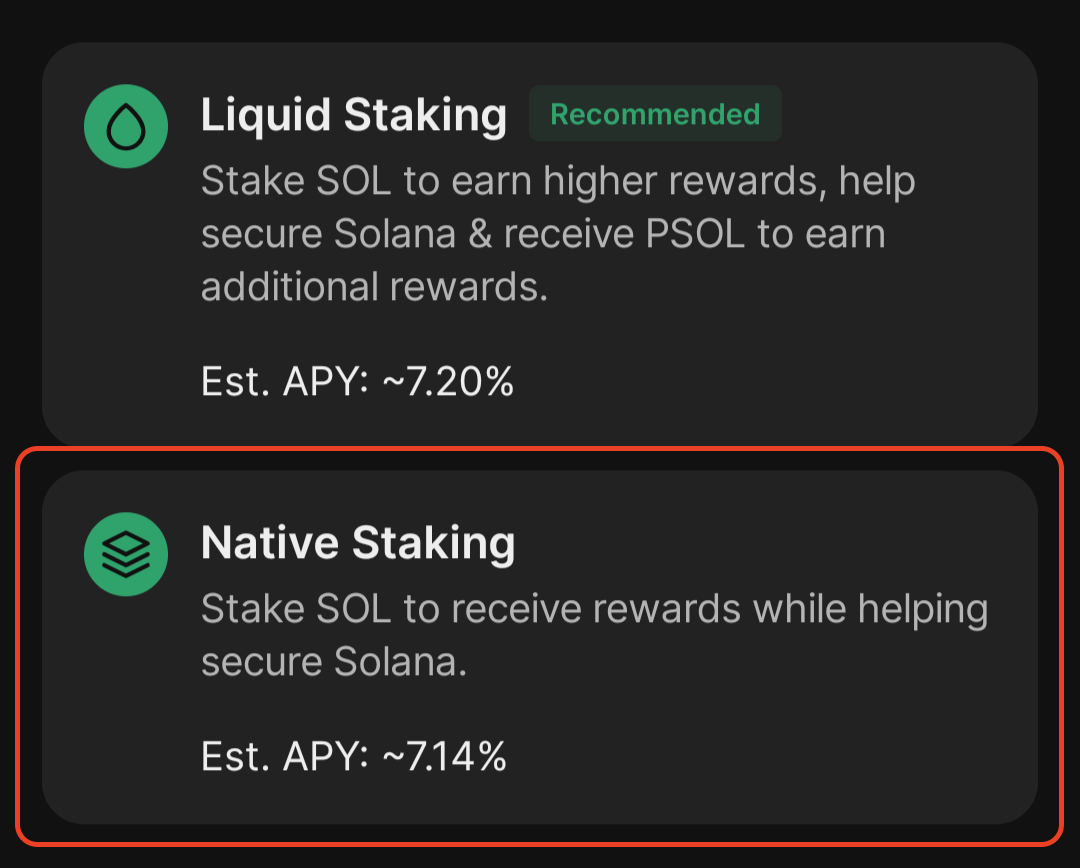
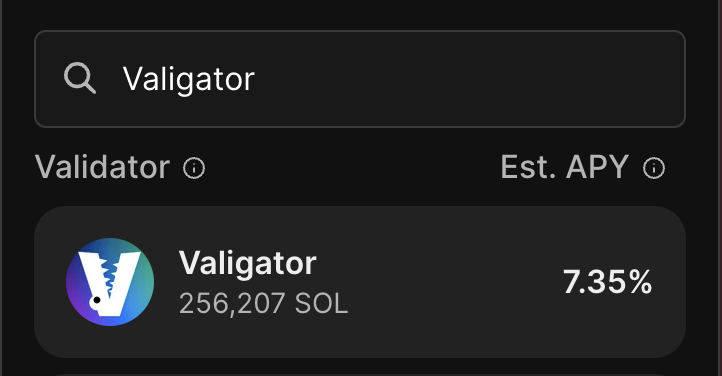
- Search for Valigator in the validator list and click on Valigator to select it.
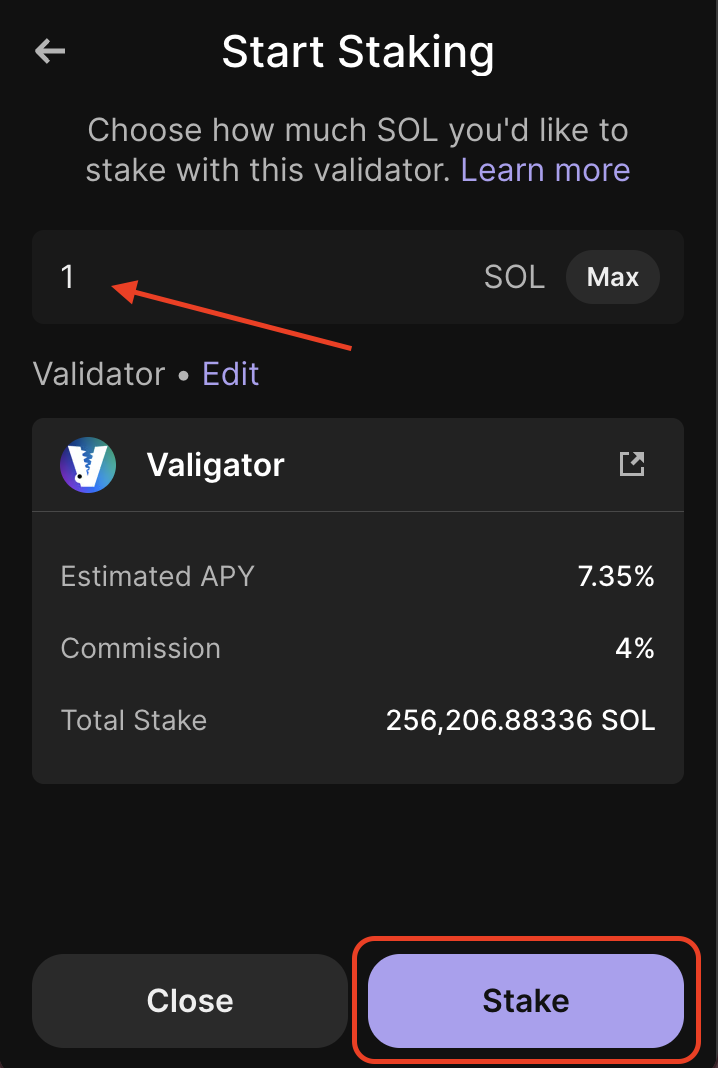
- Choose the amount of SOL to stake, and click "Stake"
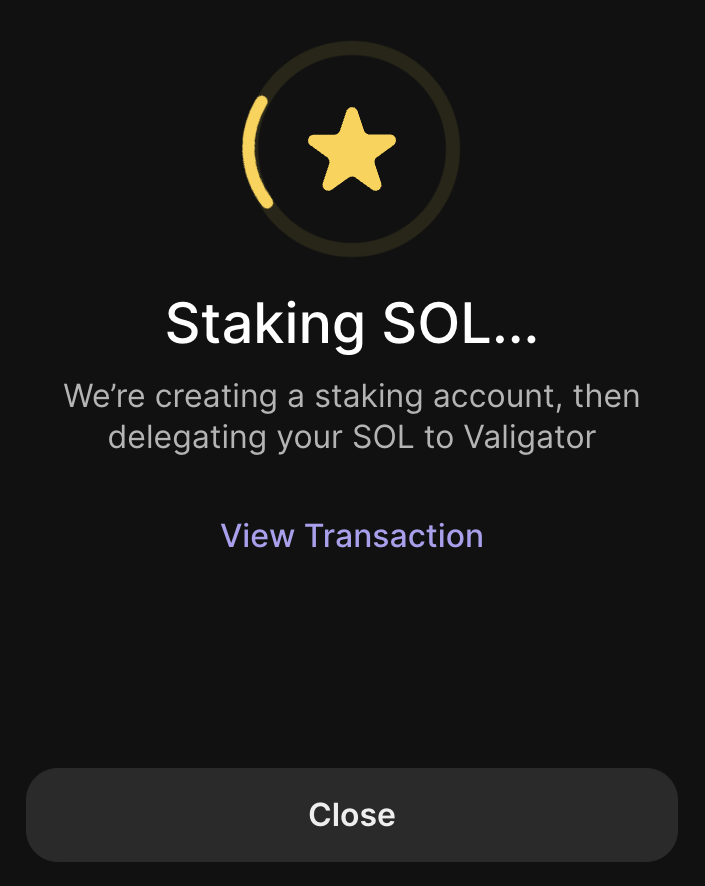
- Phantom will create a staking account and will then delegate your stake to Valigator.
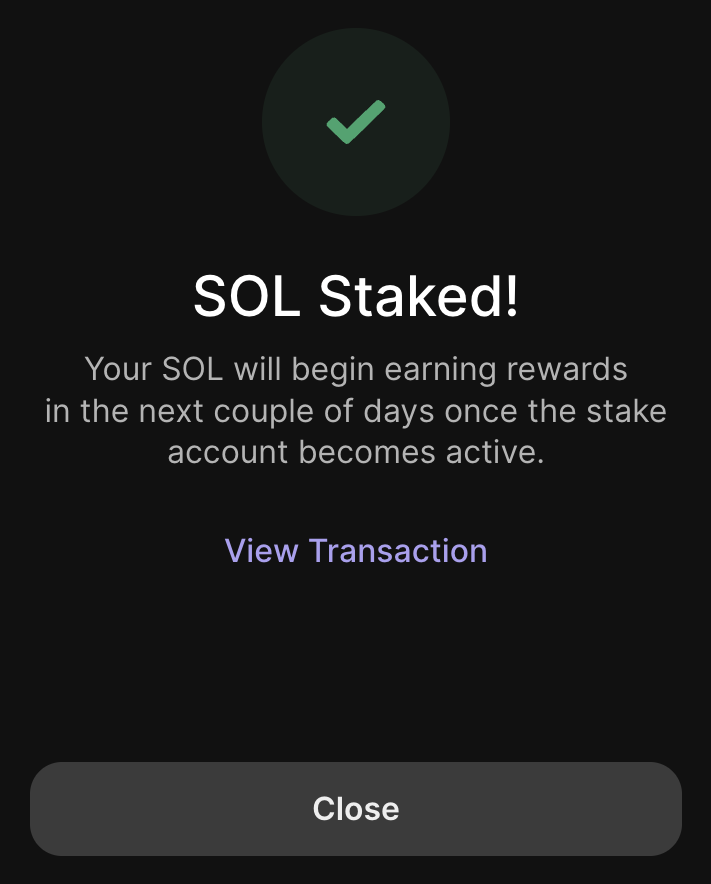
- That's it! Once you see this screen, your SOL is staked with Valigator and you'll start receiving your rewards in the next epoch, once the stake account is activated.
Using Phantom (mobile app)#
The process for staking on Phantom's mobile app is very similar, with just a couple differences near the end.
- Open the Phantom app and click on the Solana token (SOL).
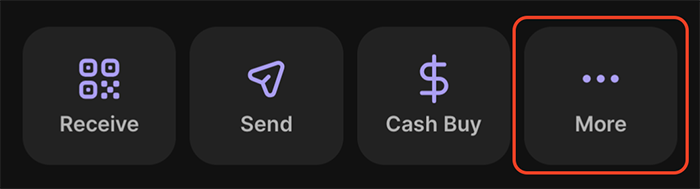
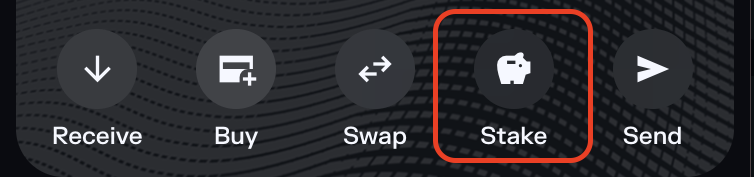
- Next, click on the "More" button to see more options.
- Click on Stake SOL.
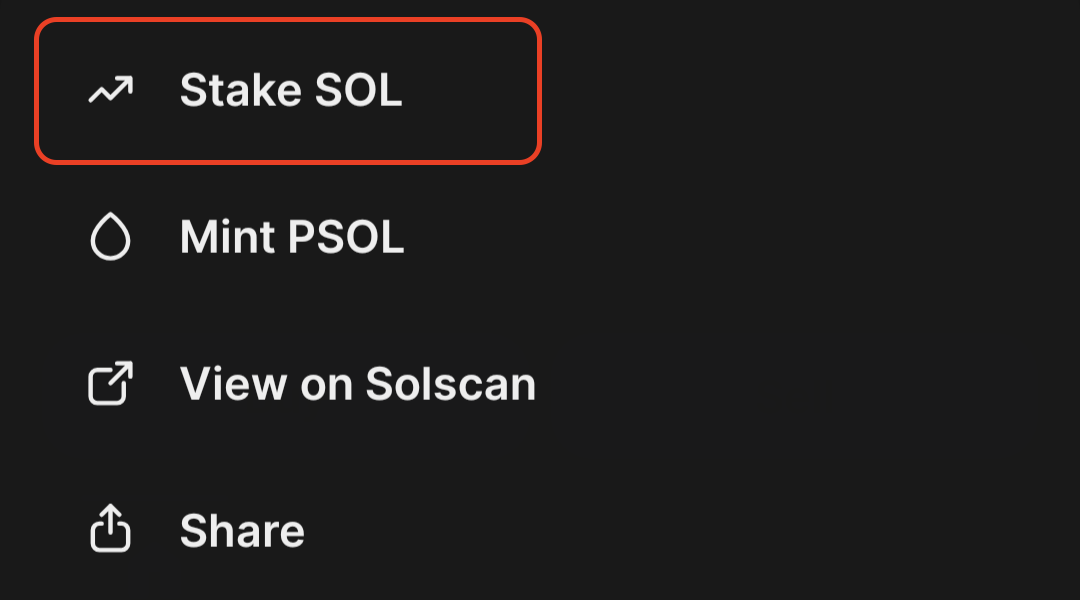
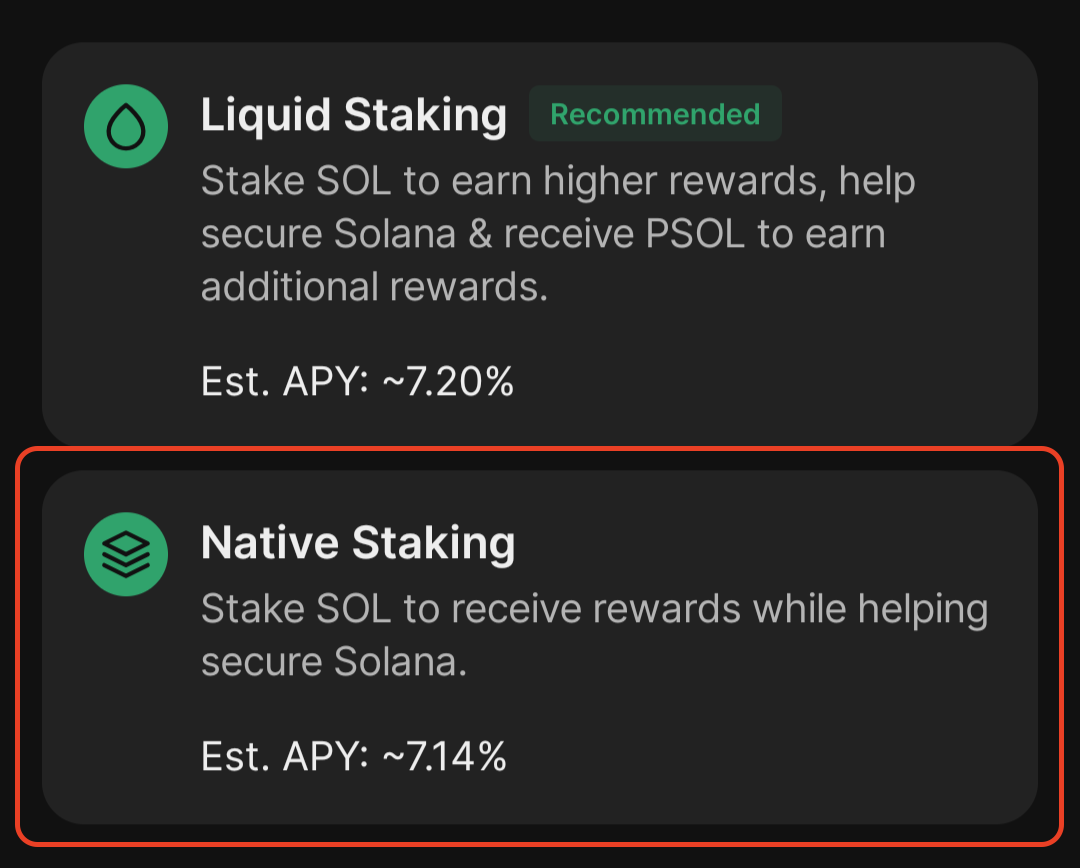
- Click on "Native Staking"
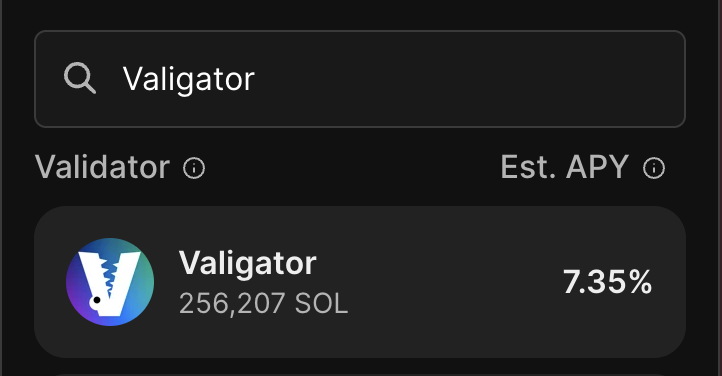
- Search for Valigator in the validator list and click on Valigator to select it.
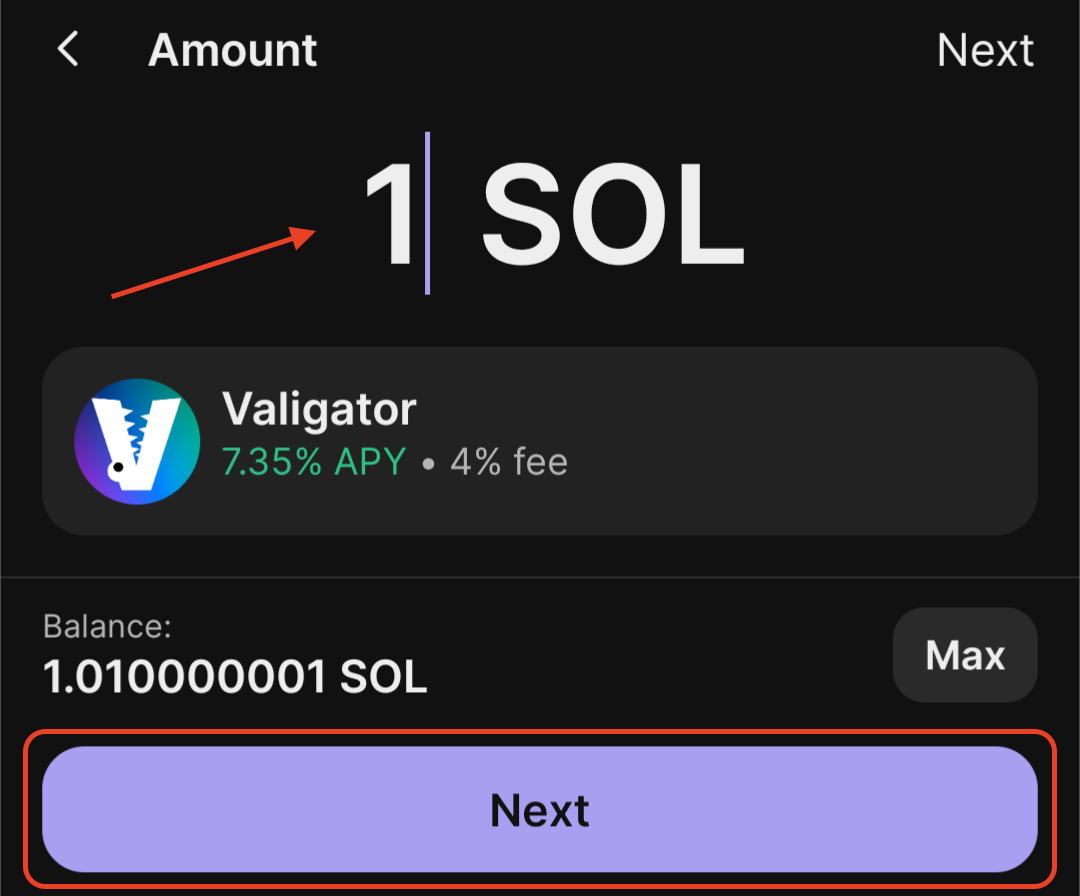
- Choose the amount of SOL to stake, and click "Next"
- Lastly, click on "Confirm"
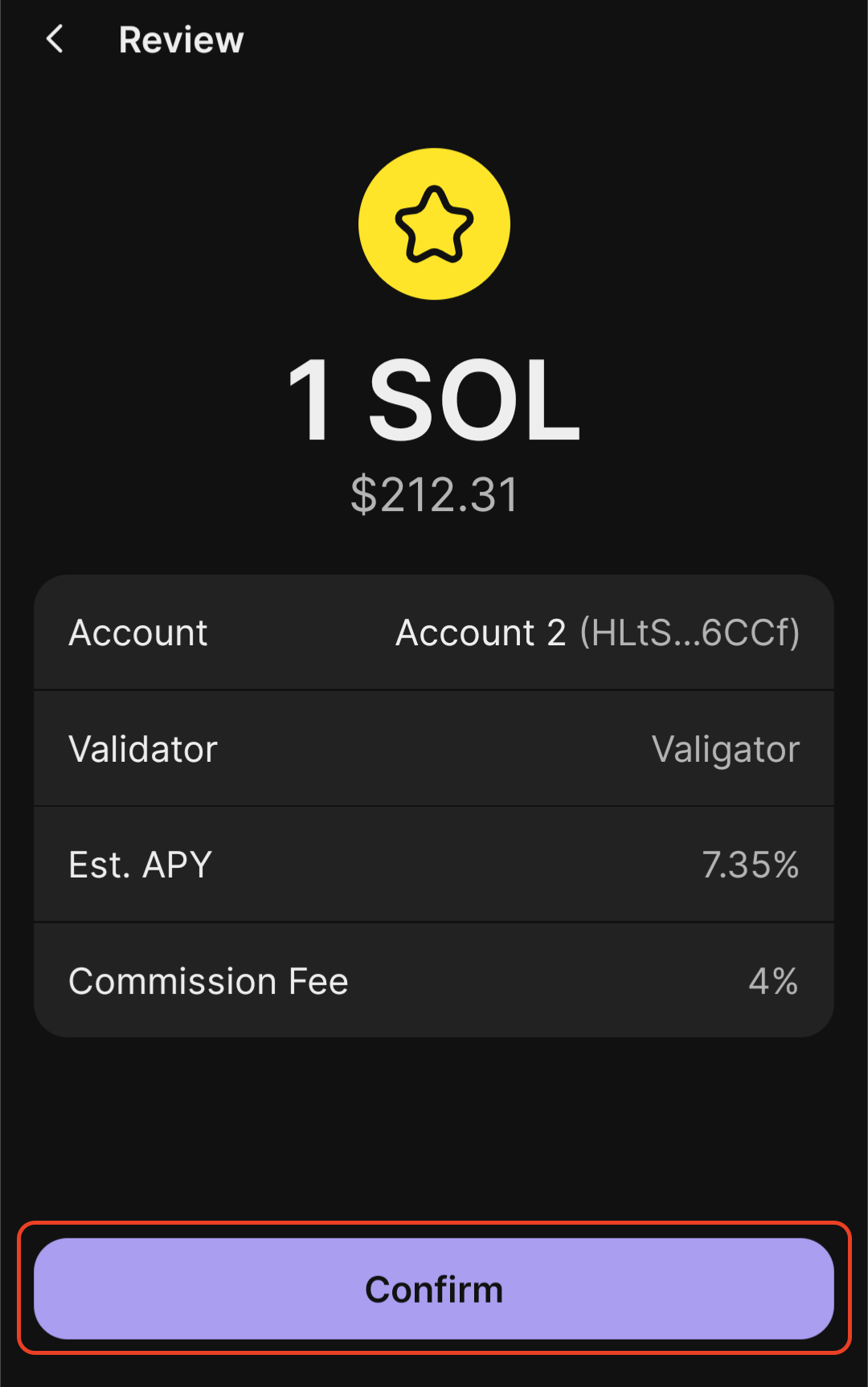
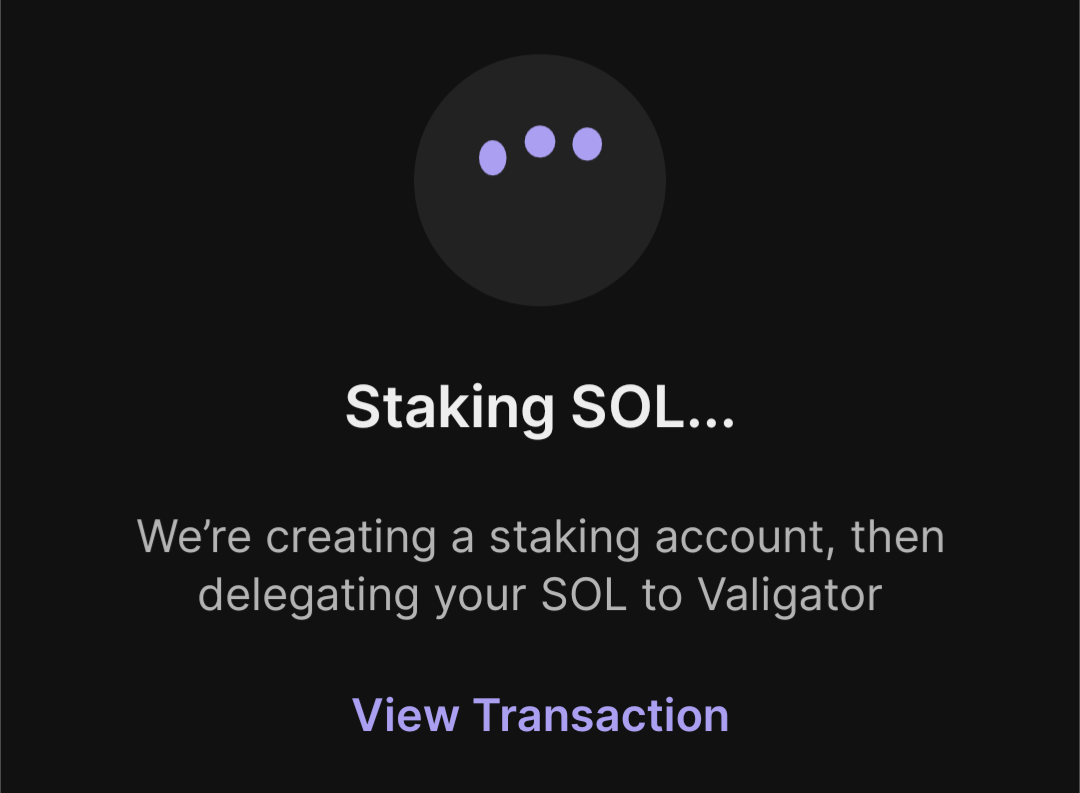
- Phantom will create a staking account and will then delegate your stake to Valigator.
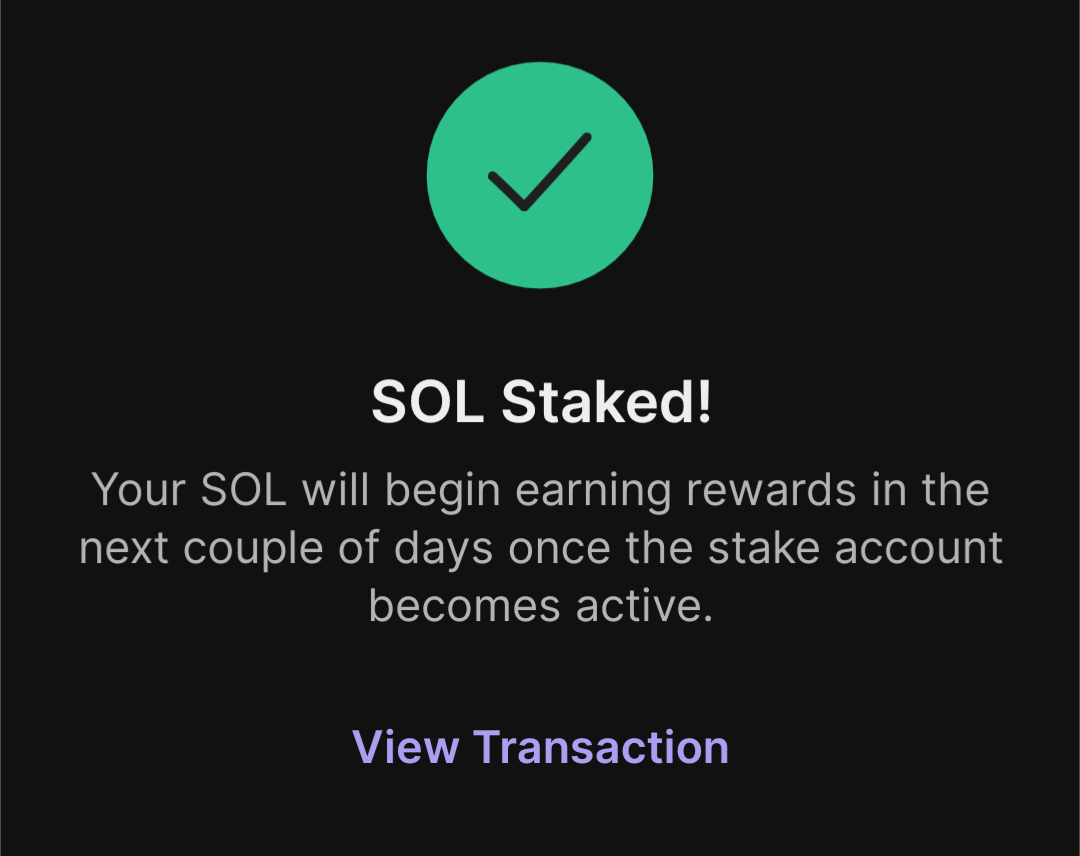
- That's it! Once you see this screen, your SOL is staked with Valigator and you'll start receiving your rewards in the next epoch, once the stake account is activated.
Using Solflare (browser extension)#
- Open the Solflare extension and click on "Stake".
- Choose the amount of SOL to stake, and click on the dropdown menu to choose your validator.
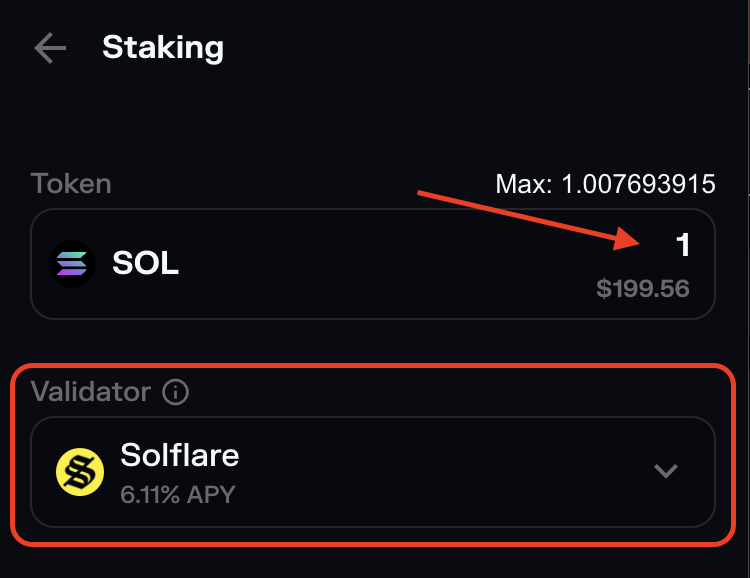
- Search for Valigator in the validator list and click on Valigator to select it.
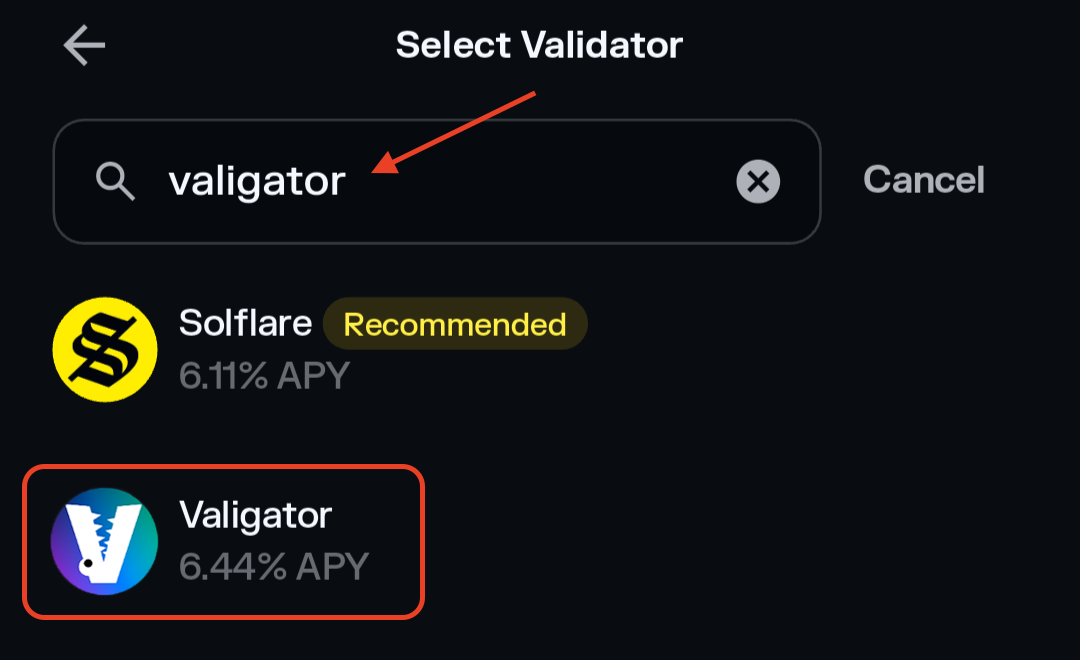
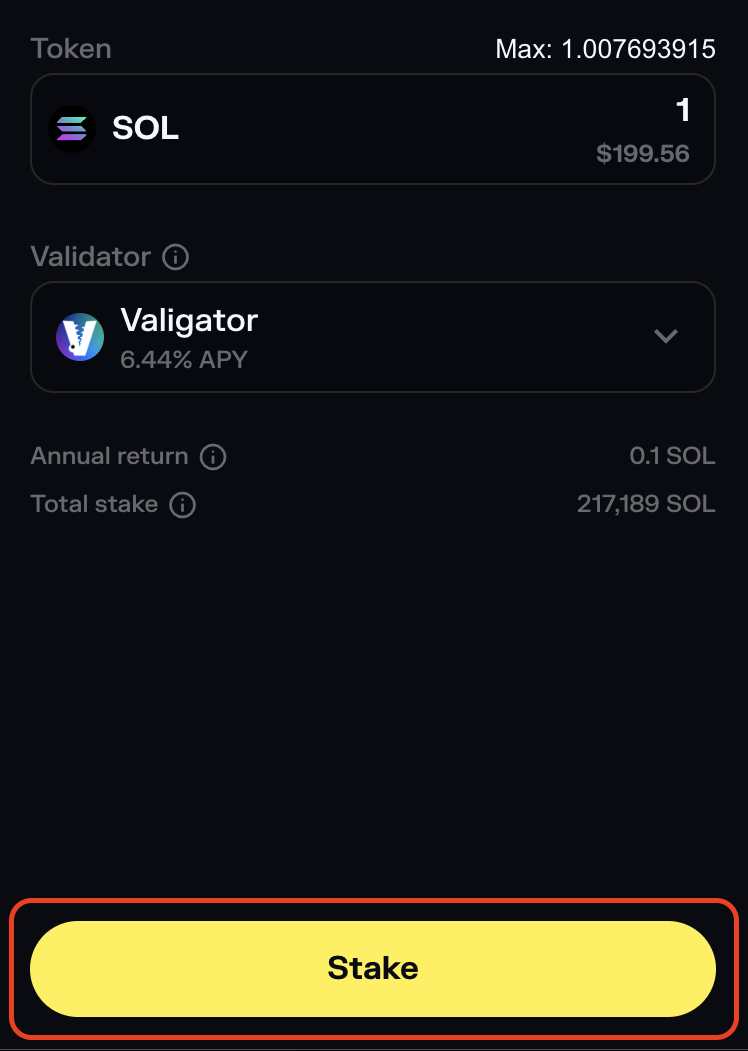
- Once you've selected Valigator as your validator, click on "Stake"
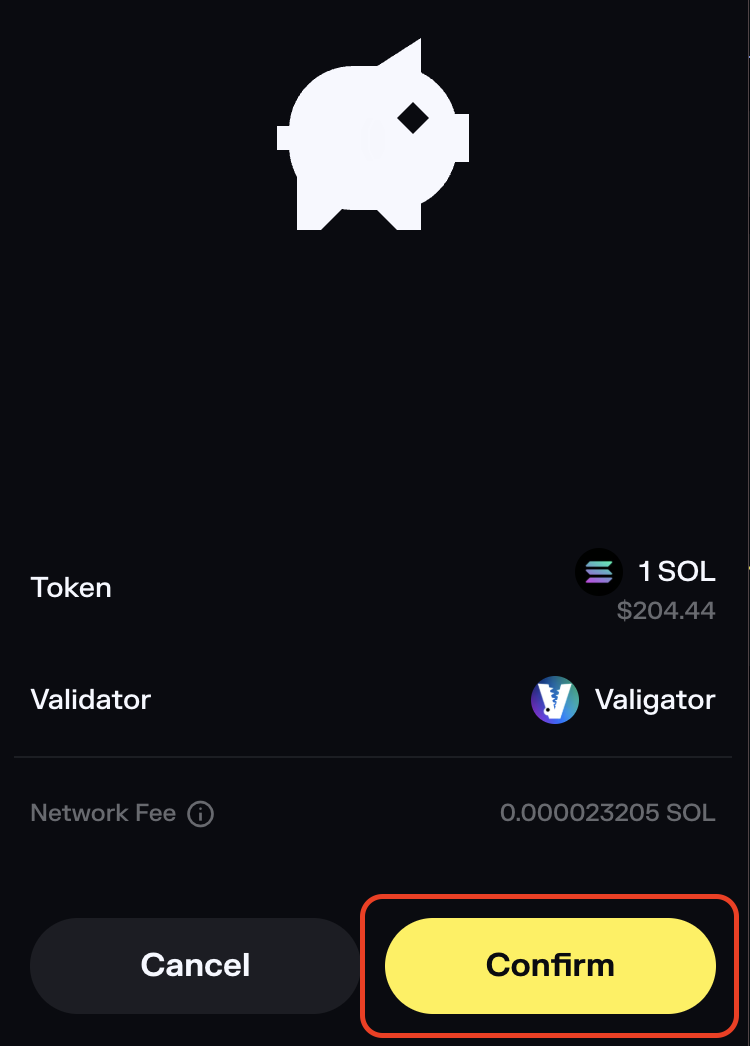
- Make sure everything looks right, and click on "Confirm" to stake your SOL.
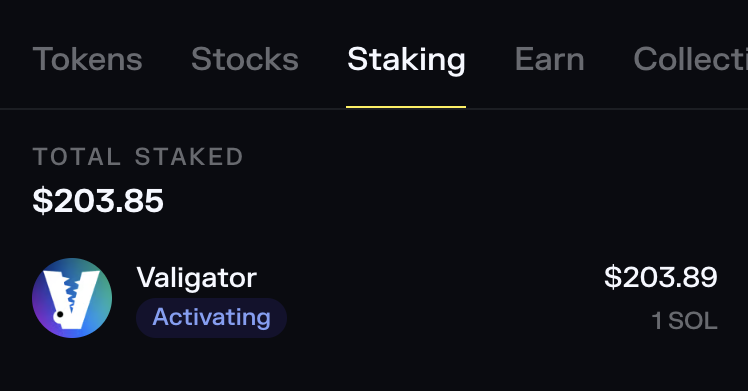
- That's it! Your SOL is staked with Valigator and you'll start receiving your rewards in the next epoch once the stake account is activated. You can click on "Staking" to see the status of your stake.
Using Solflare (mobile app)#
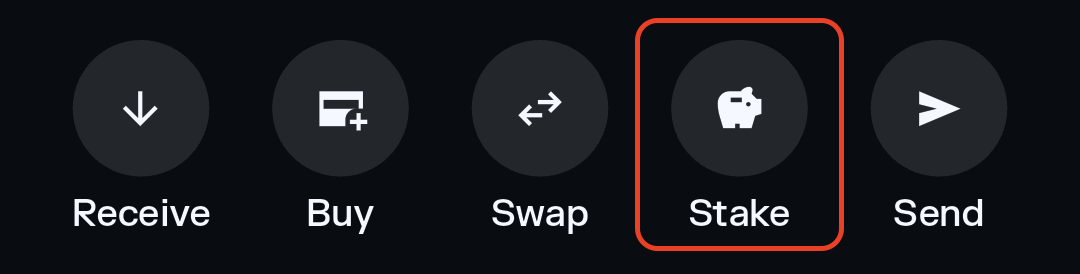
- Open the Solflare app and click on "Stake".
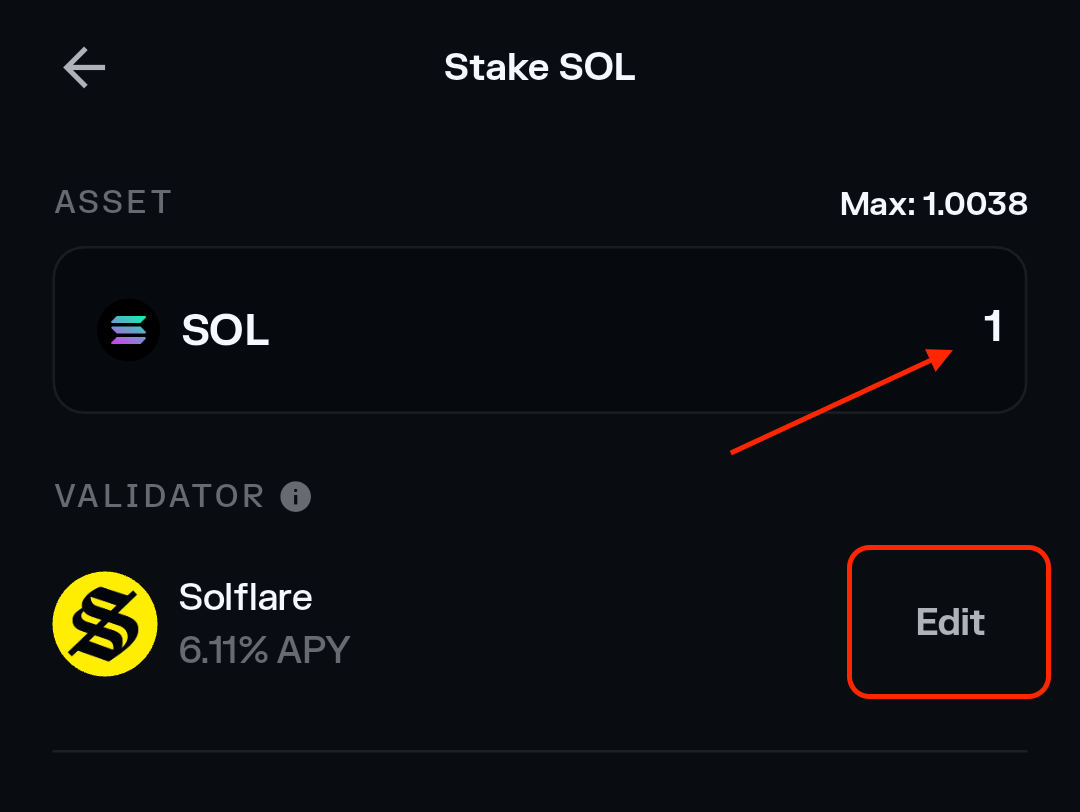
- Choose the amount of SOL to stake, and click on "Edit" to choose your validator.
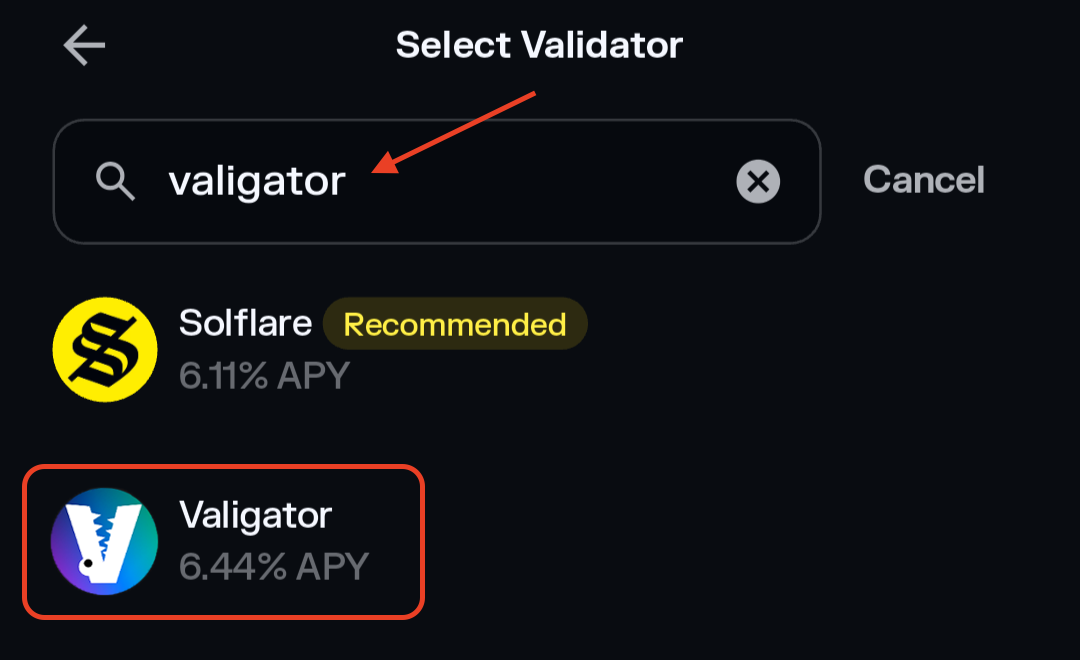
- Search for Valigator in the validator list and click on Valigator to select it.
- Once you've selected Valigator as your validator, click on "Stake"
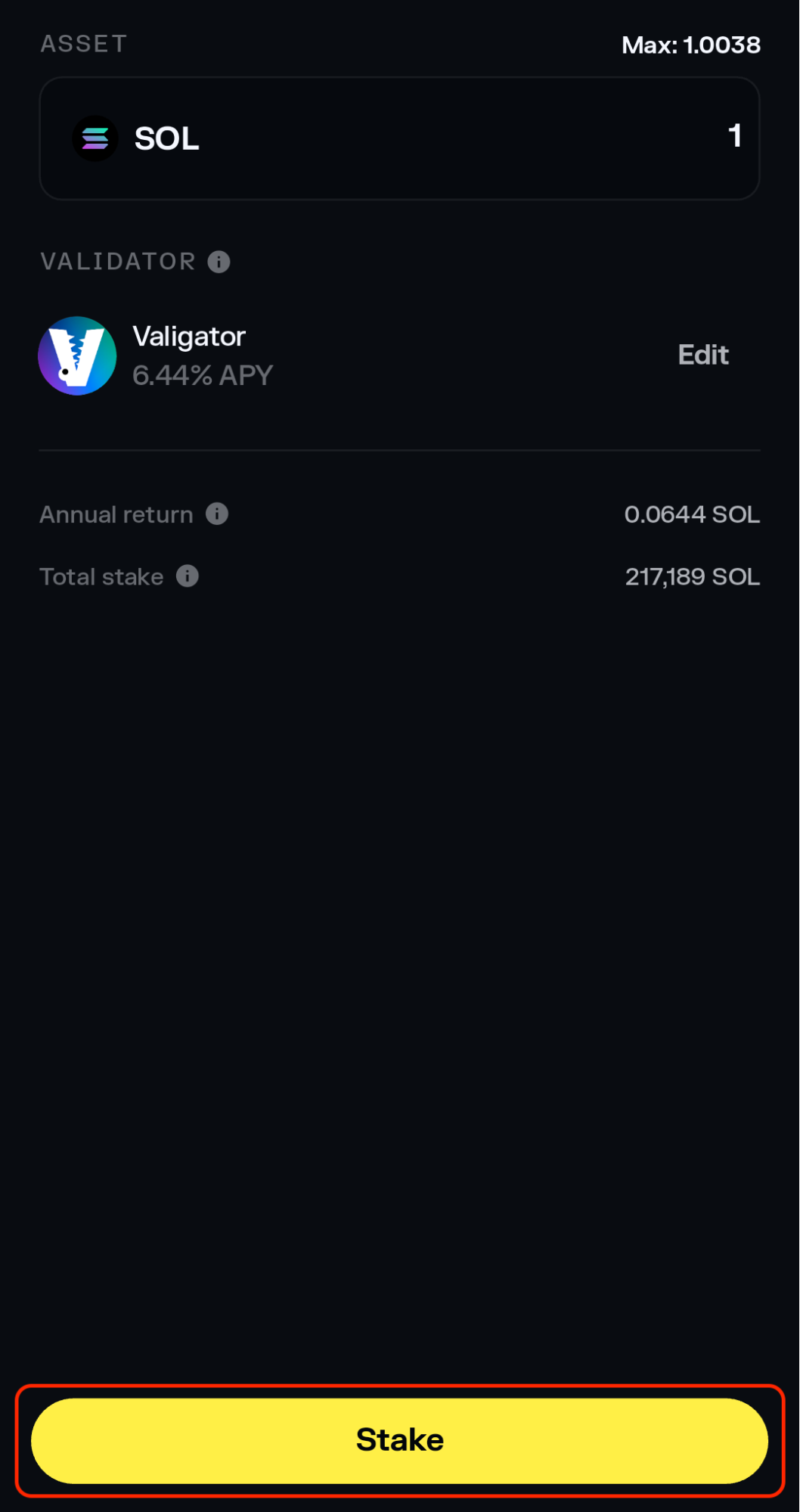
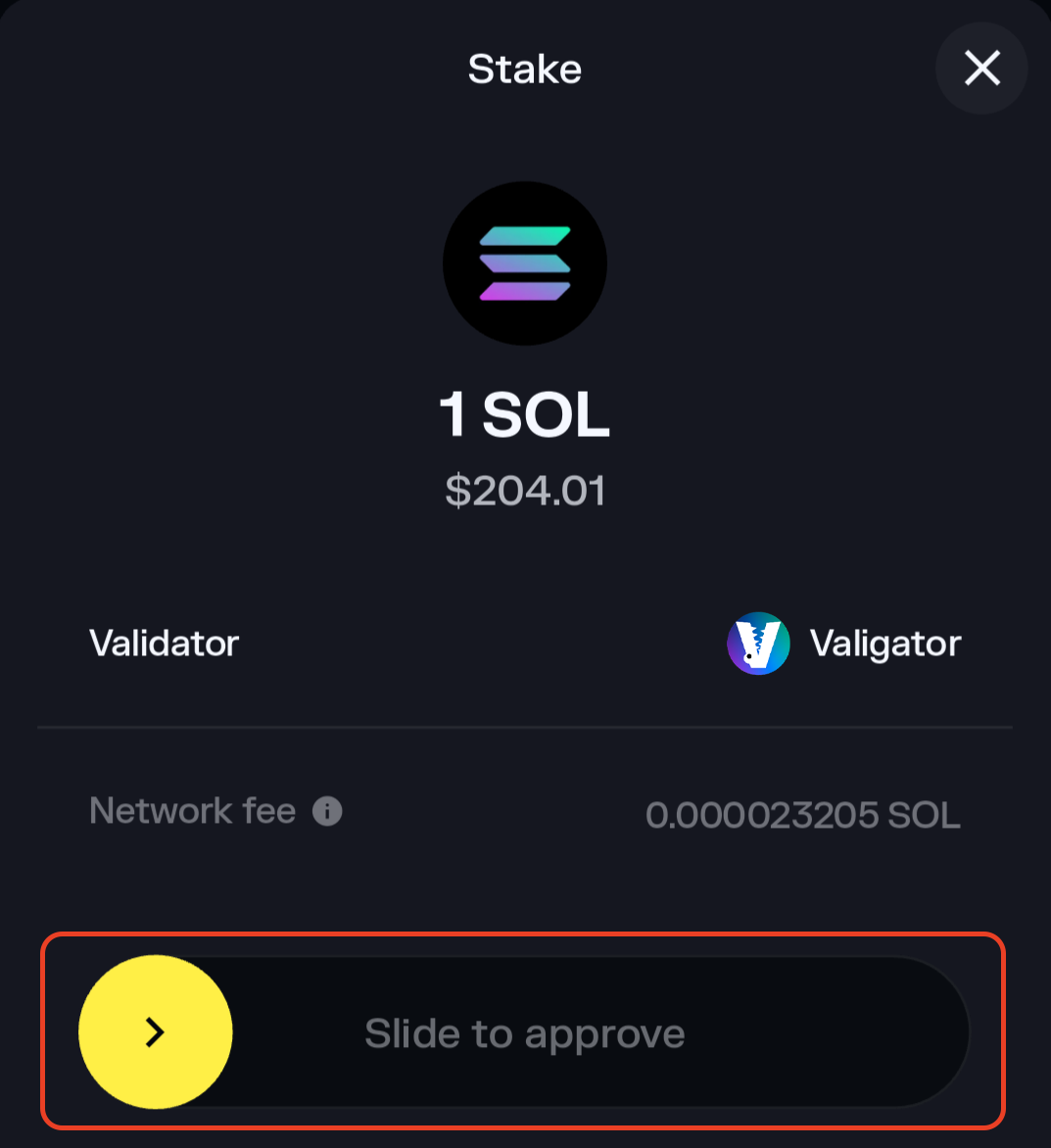
- Make sure everything looks right, and swipe right on "Slide to approve" to stake your SOL.
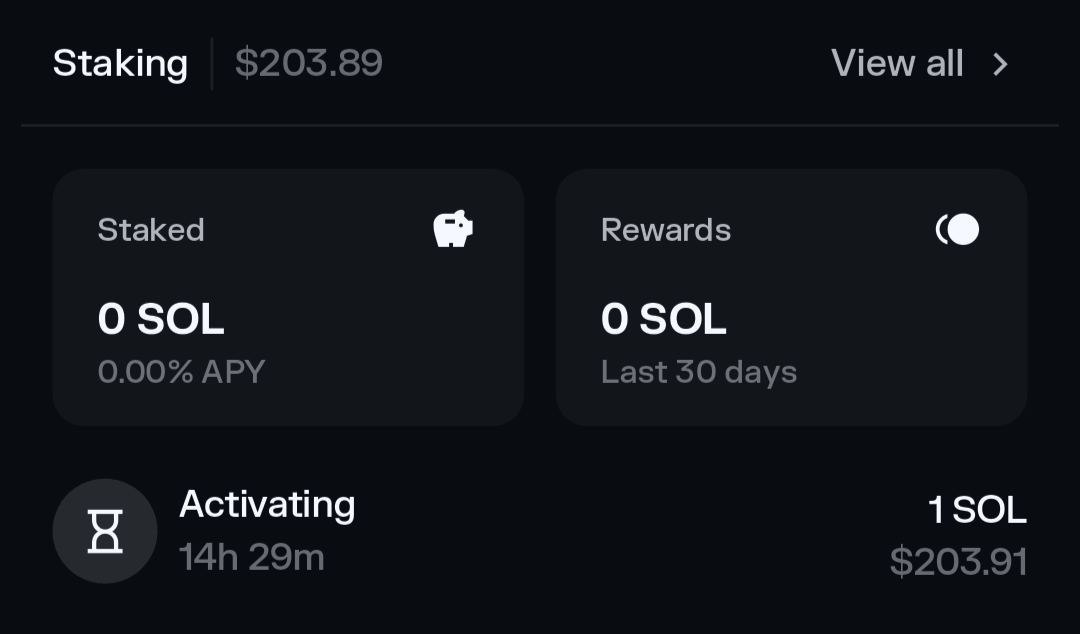
- That's it! Your SOL is staked with Valigator and you'll start receiving your rewards in the next epoch once the stake account is activated. You can scroll down to the "Staking" section of the app to see the status of your stake.
4. Done#
- Your SOL is now safely staked with Valigator.
- Rewards are automatically added to your stake account every epoch (~2 days).
- You can unstake anytime (takes ~2-3 days to fully withdraw).
Tips#
- Always leave a little SOL (0.01-0.05) unstaked to pay for transactions.
- Never share your recovery phrase with anyone.
- The more you stake, the more rewards you'll earn over time.